

The Best SEO MCP Servers in 2026, by Job and by Cost to Start
The best SEO MCP server depends on the job. Here are the nine worth connecting to Claude, ChatGPT or Cursor in 2026, with what each does, how it's hosted and the cheapest way to start.
On this page· 13 sections
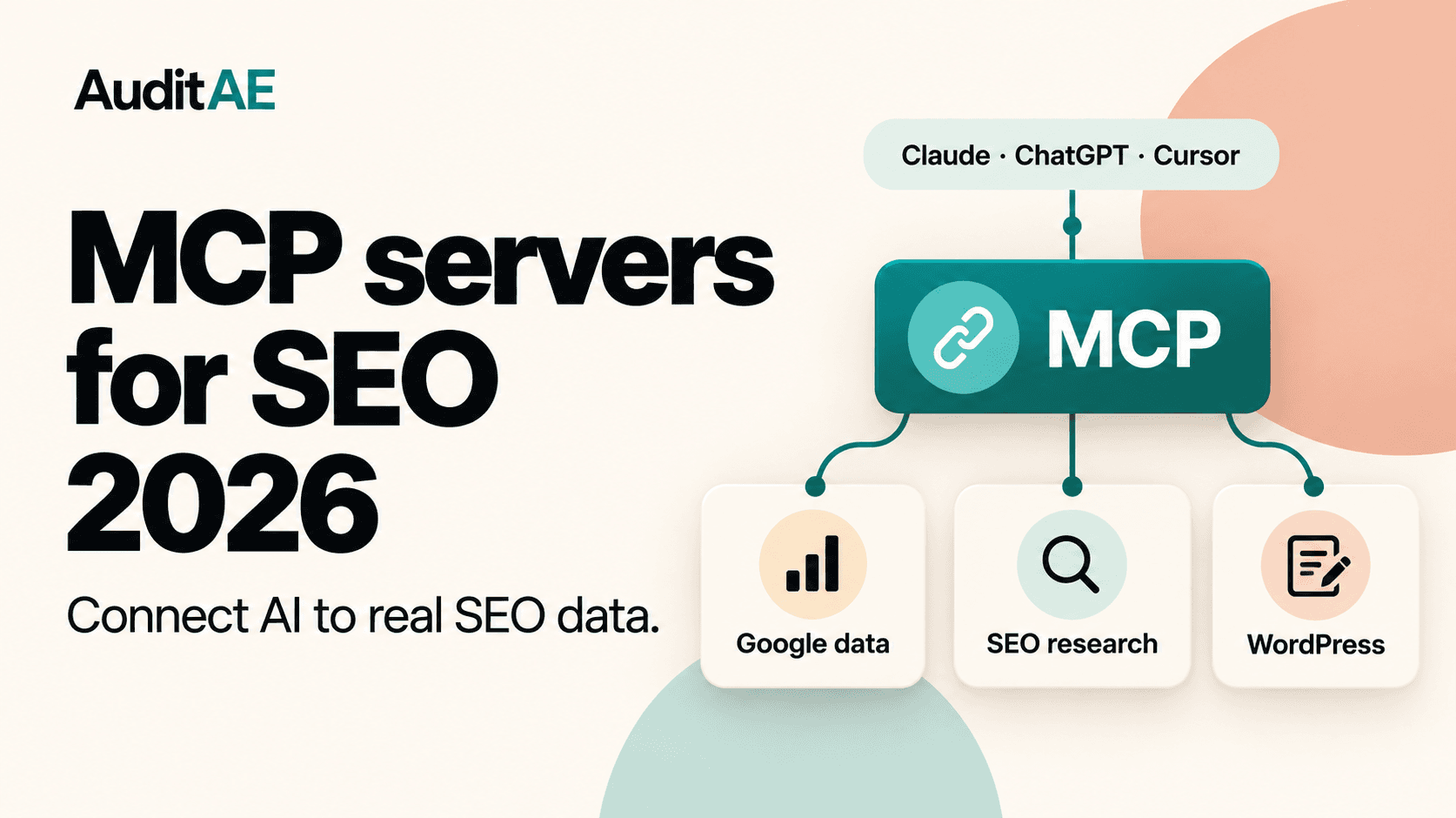
There's no single best SEO MCP server, because they do different jobs. An MCP (Model Context Protocol) server gives Claude, ChatGPT, Cursor or any other MCP client tools it can call, so the model queries Search Console, pulls a SERP or edits a page itself instead of reading a pasted CSV. Most people end up connecting two or three: their own Google data, one market-data source, and something that can act on the site.
This list covers the nine worth connecting in 2026. It's grouped by job, not ranked. We make AuditAE, so weigh its place here accordingly, and the costs below let you compare it for yourself.
Details were checked on the vendors' own pages in November 2026. MCP servers change quickly, so check each project's docs before you set one up.
Pick by the job
- Your own search and traffic data: Search Console and Google Analytics.
- Keywords, SERPs and backlinks with a plan you already pay for: SE Ranking, Semrush or Ahrefs.
- Keywords and SERPs with no subscription: DataForSEO, or AuditAE for small amounts.
- A technical crawl: Screaming Frog.
- Editing the site: a WordPress MCP server.
- Whether AI answers cite you, and what to change: AuditAE.
At a glance
| Server | Main job | Hosting | Cheapest way to start | How you pay after that |
|---|---|---|---|---|
| AuditAE | AI citations, Google data, SERPs, fix plans, WordPress edits | Hosted | First audit free | Per call, from a prepaid balance |
| Google Analytics (official) | GA4 reports | Self-hosted | Free | Free |
| Search Console (community) | Search analytics, some URL inspection | Self-hosted (hosted option) | Free | Free |
| SE Ranking | Keywords, backlinks, audits, AI visibility | Hosted | 100K free credits | Plan credits, or from $50 for 250K |
| DataForSEO | SERPs, keywords, backlinks, on-page | Hosted or self-hosted | $50 minimum top-up | Per call |
| Semrush | Semrush reports | Hosted | Plan from $139/month | 50,000 MCP units on included plans |
| Ahrefs | Backlinks and Ahrefs data | Hosted | Lite plan, $129/month | 200,000 API units a month on Lite |
| Screaming Frog | Crawling and crawl reports | On your computer | Paid licence | Licence |
| WordPress | Posts, pages, SEO meta | Self-hosted or hosted | Free | Free, or per write |
1. AuditAE: pay-per-call SEO, from AI citations to edits
AuditAE's hosted server answers a question most of this list doesn't: when a buyer asks ChatGPT, Perplexity, Gemini or Google AI Overviews about your category, does the answer cite you, and who gets cited instead? From there, get_fix_plan returns the exact edits for a page, and on a WordPress site paired with the free plugin the agent can apply them with the wp_* tools.
The rest of the job is on the same connection. query_search_console and query_google_analytics run at 1¢ per 100 rows over a Google connection you make once in the dashboard, so there's no Google Cloud project or credentials file. It also pulls live SERPs (5¢), volume and difficulty for up to 60 keywords (10¢), a domain's keywords (10¢) and its referring domains (20¢), and it runs site crawls and weekly rank tracking. Each change is recorded per site, AuditAE reads Search Console 17 and 31 days later, and get_changes shows what happened next, whichever AI client you use.
There's no subscription: your first audit is free, then you top up from $5 and pay per call. It works in Claude.ai and ChatGPT as a custom connector with OAuth, and in Claude Code, Codex or Cursor with an API key.
Best for: small teams and agents that want one hosted server and pay only for what they use.
Watch out for: prices include our margin, so an agent pulling thousands of keywords a day is cheaper on DataForSEO directly, and it has no backlink index of its own to match Ahrefs or Semrush.
2. Google Analytics MCP (official)
Google publishes an open-source Google Analytics MCP server. It gives read-only access to GA4 through the Admin and Data APIs: account summaries, property details and reports. It's labelled experimental and runs on your machine with Google Cloud credentials.
Best for: analysts comfortable in Google Cloud who want Google's own implementation.
Watch out for: you set up the Google Cloud project and credentials yourself, and it covers GA4 only.
3. Google Search Console MCP (community servers)
Google doesn't publish a Search Console MCP server, but several community projects wrap the Search Console API, and some add URL inspection and sitemap tools. They're free and run locally. If you'd rather not set up Google Cloud, AuditAE's hosted Search Console MCP does search analytics and URL inspection over a one-time Google sign-in (1¢ per 100 rows, URL Inspection 1¢ per URL), without the sitemap or batch-inspection tools some community servers have.
Best for: technical SEOs who want Search Console queries inside Claude or Cursor.
Watch out for: each needs a Google Cloud project and OAuth client or service account, and quality varies by project.
4. SE Ranking MCP
SE Ranking runs a hosted server you add by URL, with no local install, and says it exposes 180+ SEO and AI-visibility tools for keyword research, backlinks, domain analysis, audits and AI search. It's included in every SE Ranking subscription and draws on your plan's API credits. Without a subscription, its MCP page lists pay-as-you-go from $50 for 250K credits, and new accounts get 100K free credits.
Best for: one hosted server covering most market-data jobs, especially if you already use SE Ranking.
Watch out for: credits are shared, so check what a typical query costs before you let an agent loop.
5. DataForSEO MCP: pay-per-call SEO data
DataForSEO's official server exposes its SERP, keyword, Labs, on-page, backlink, business-data and domain-analytics APIs, plus its AI Optimization API for LLM answer data, with a hosted endpoint or a local install. There's no subscription: you pay per call, and the minimum top-up is $50.
Best for: keyword research and SERP data without a monthly plan.
Watch out for: costs add up if an agent loops over many keywords, so set a budget.
6. Semrush MCP
Semrush's official server connects its reports to ChatGPT, Claude and Gemini. It's included on Semrush One Starter and Pro+ and on SEO Classic Pro and Guru, each with 50,000 MCP API units that refresh on the subscription renewal date; on Semrush One Advanced and SEO Classic Business you add an MCP units package. Every query draws on those units.
Best for: teams already paying for Semrush.
Watch out for: large pulls burn units quickly, and not every Semrush plan includes MCP.
7. Ahrefs MCP
Ahrefs runs an official remote MCP server on paid plans from Lite ($129/month) up; the $29 Starter plan doesn't include it. Requests draw on the plan's API units (200,000 a month on Lite), with a 50-unit minimum per request.
Best for: backlink and competitive research inside an AI client, plus Brand Radar's AI-answer data if your account has it.
Watch out for: unit costs scale with rows and fields, so ask for what you need.
8. Screaming Frog MCP
Screaming Frog's SEO Spider can act as an MCP server, exposing crawl reports, bulk exports and crawl controls to an LLM, so an agent can start a crawl and work through what it finds. It runs with the Spider on your computer and needs a paid licence: it doesn't work in the free version.
Best for: technical SEOs who already crawl with the Spider.
Watch out for: it's a local tool, so it won't suit browser-based clients or agents working on a server, and the optional file and script tools deserve care.
9. WordPress MCP
For editing the site itself, WordPress has a self-hosted option: the official MCP Adapter plugin, which turns abilities registered through WordPress's Abilities API into MCP tools (Automattic's older wordpress-mcp plugin is archived and points to it). It's built for developers. AuditAE's hosted WordPress tools are scoped to SEO work instead: posts, Yoast and Rank Math meta, schema and llms.txt, with the previous state returned on every edit so a bad run can be undone, and they edit Elementor pages as well as block-editor ones.
Best for: letting an agent apply changes across many pages.
Watch out for: give the agent the narrowest permissions that work, and start with drafts. For a step-by-step setup, see how to connect Claude to WordPress.
How to use Claude for SEO with MCP
A practical setup is three servers, or one hosted server that covers the same ground: your Google data, a market-data source and something that can act on the site. That combination is what people mean by an AI SEO agent. Then ask for outcomes, not reports:
- "Which pages lost the most Search Console clicks this month, and why?"
- "For the queries where we rank 4 to 10, check whether ChatGPT and Google AI Overviews cite us, and who they cite instead."
- "Rewrite the meta descriptions on pages with high impressions and CTR under 1%, and show me the changes before publishing."
Each answer is grounded in live data, and the model can explain every step it took. For a worked example that chains GA4, Search Console and rank data into a client deliverable, see a monthly client report in ten minutes; for the rest of the stack beyond MCP, see the best SEO tools for agencies.
FAQ
It depends on the job. For your own traffic and search performance, a Google Analytics and Search Console server. For keyword and SERP data without a subscription, DataForSEO or AuditAE. If you already pay for SE Ranking, Semrush or Ahrefs, use their official server, which draws on your plan's credits or units. For a technical crawl, Screaming Frog. For AI search visibility and fixes, AuditAE, which also queries GA4 and Search Console (1¢ per 100 rows) with no Google Cloud setup.
Yes, and it gets much more useful with MCP servers connected. On its own Claude can draft and review content; with MCP it can query your Search Console and GA4 data, pull SERP and keyword data, check whether AI answers cite you, and edit WordPress pages, then explain what it changed.
No. Google publishes an official Google Analytics MCP server, but not one for Search Console. The Search Console options are community servers you host yourself, or a hosted service such as AuditAE's Search Console MCP (query_search_console at 1¢ per 100 rows and inspect_url at 1¢ per URL).
The Google Analytics and Search Console servers are free, and AuditAE's Google tools cost 1¢ per 100 rows (1¢ minimum per call). Market data costs money: DataForSEO charges per call, SE Ranking, Semrush and Ahrefs meter MCP requests in credits or API units, and AuditAE charges per call (a SERP is 5¢, an AI-engine check 5–12¢, a fix plan 50¢).
For your own data, the free Google servers, if you're happy to set up Google Cloud. For market data, AuditAE's first audit is free and top-ups start at $5. SE Ranking offers 100K free credits on sign-up, then pay-as-you-go from $50, and DataForSEO's minimum top-up is $50. Semrush and Ahrefs need a plan from $139 and $129 a month.
Not always. The official Google Analytics server and most Search Console servers run on your machine, and Screaming Frog's runs alongside the SEO Spider on your computer. SE Ranking, DataForSEO, Semrush, Ahrefs and AuditAE offer remote servers you add by URL; AuditAE also works in Claude.ai and ChatGPT as a custom connector with OAuth sign-in.
Run the citation report on your own brand.
See which prompts cite you on ChatGPT, Perplexity, Gemini, and Google AI Overviews — the first one’s free, no card.
Aaron is the founder of AuditAE. He has run AI-visibility audits for SEO agencies and in-house brand teams, and writes about how generative answer engines are reshaping the practice of search marketing.
Related reading
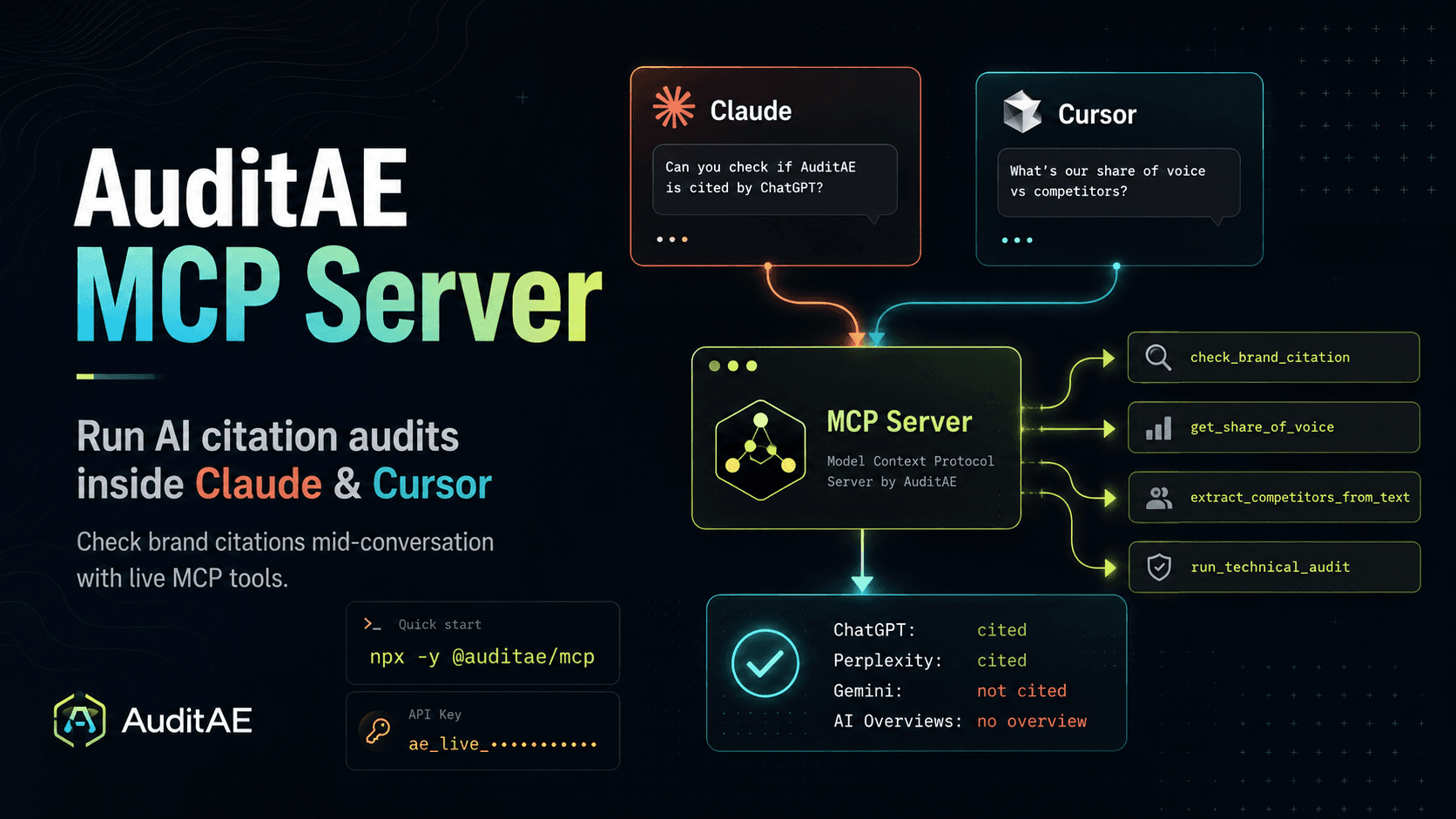
- 8 min readAuditAE MCP Server: Run AI Citation Audits Inside Claude and CursorAuditAE's MCP server lets Claude, Cursor, and any MCP client check whether AI engines cite your brand, mid-conversation. Setup, tools, and pricing inside.
- 9 min readHow to Connect Claude or ChatGPT to Google Analytics (GA4): A Step-by-Step WalkthroughAsk Claude or ChatGPT about your GA4 traffic and Search Console queries in plain English. This walkthrough connects Google once in AuditAE, adds one URL to Claude.ai, ChatGPT or Claude Code, and shows the first questions to ask, what it costs (the Google tools charge 1¢ per 100 rows) and how to fix the common errors.
- 9 min readHow to Connect Claude to WordPress: Claude.ai, Claude Desktop and Claude CodeA step-by-step guide to connecting Claude to a self-hosted WordPress site over MCP: install a free plugin, pair the site, pick what Claude may change, then connect Claude.ai, Claude Desktop, Claude Code or Cursor. Includes first prompts to try, what it costs and how to fix the common errors.