Claude for SEO: What It Does Well, Where It Guesses, and How to Give It Your Real Data
Claude is good at the writing and reasoning half of SEO and blind to the measuring half: on its own it can't see your rankings, your clicks or your crawl errors. This guide covers what to hand it as-is, where its answers are guesses, the three ways to give it real data, and five jobs worth running once it has Search Console (1¢ per 100 rows).
On this page· 9 sections
Ask Claude which of your pages lost traffic last month and it will give you a confident, well-organized answer. Unless it has been connected to your data, that answer is invented. Ask it to rewrite a title tag for a page you paste in, and the result is usually better than a first draft from a person.
That split is the whole story of using Claude for SEO. It is strong at the language work and blind to the measurements, and most disappointing results come from asking it for the second kind of answer without giving it the second kind of input. This guide covers what to hand it as-is, where it guesses, how to give it real data, and which jobs are worth running once it has that data.
One note on the phrase: "Claude SEO" is also used for getting your brand cited in Claude's own answers. That is covered at the end.
What Claude does well with no setup
These need nothing but a chat window, because everything Claude needs is in the text you give it:
- Content briefs and outlines. Give it the query, the reader and the pages already ranking, and it will produce a brief with the questions a page has to answer.
- Titles and meta descriptions. Paste the page and ask for five title options under 60 characters that lead with the query.
- Grouping keywords. Paste a keyword export and ask it to group the list by intent and name the page each group belongs on.
- Schema markup. It writes valid JSON-LD for FAQ, Article, Product and HowTo from the page text. Test the output in Google's Rich Results Test before it goes live.
- Reviewing a page. Paste the copy and ask where the answer to the main question sits, what a reader still has to look up elsewhere, and which headings say nothing.
- Regex and formulas. Search Console filters, redirect rules and spreadsheet formulas are quick wins.
Where it guesses
Claude has no keyword database and no access to Google's reports. Three kinds of answer are unreliable without a data source:
- Search volume and difficulty. Any figure it states from memory has nothing behind it.
- Your site's performance. It doesn't know your rankings, clicks, indexed pages or Core Web Vitals.
- What ranks today. Its training data has a cutoff. With web search switched on it can read current results, but it reads a handful of pages, not a ranked results page with positions.
A rule that holds up: if a number didn't come from a file you uploaded or a tool call you can see in the chat, treat it as a guess and ask where it came from.
Three ways to give Claude real data
| Method | What Claude gets | Best for |
|---|---|---|
| Upload exports | The CSV or PDF you downloaded, as it was at that moment | A one-off question |
| Connect a data source over MCP | Live reports it runs itself, as many as the question needs | Ongoing work and follow-up questions |
| Run Claude Code in the site's code | The templates, content files and config, with the ability to change them | Sites you build and deploy yourself |
Exports work and cost nothing. The limit is the follow-up: each new angle (last quarter instead of last month, by page instead of by query) means another export.
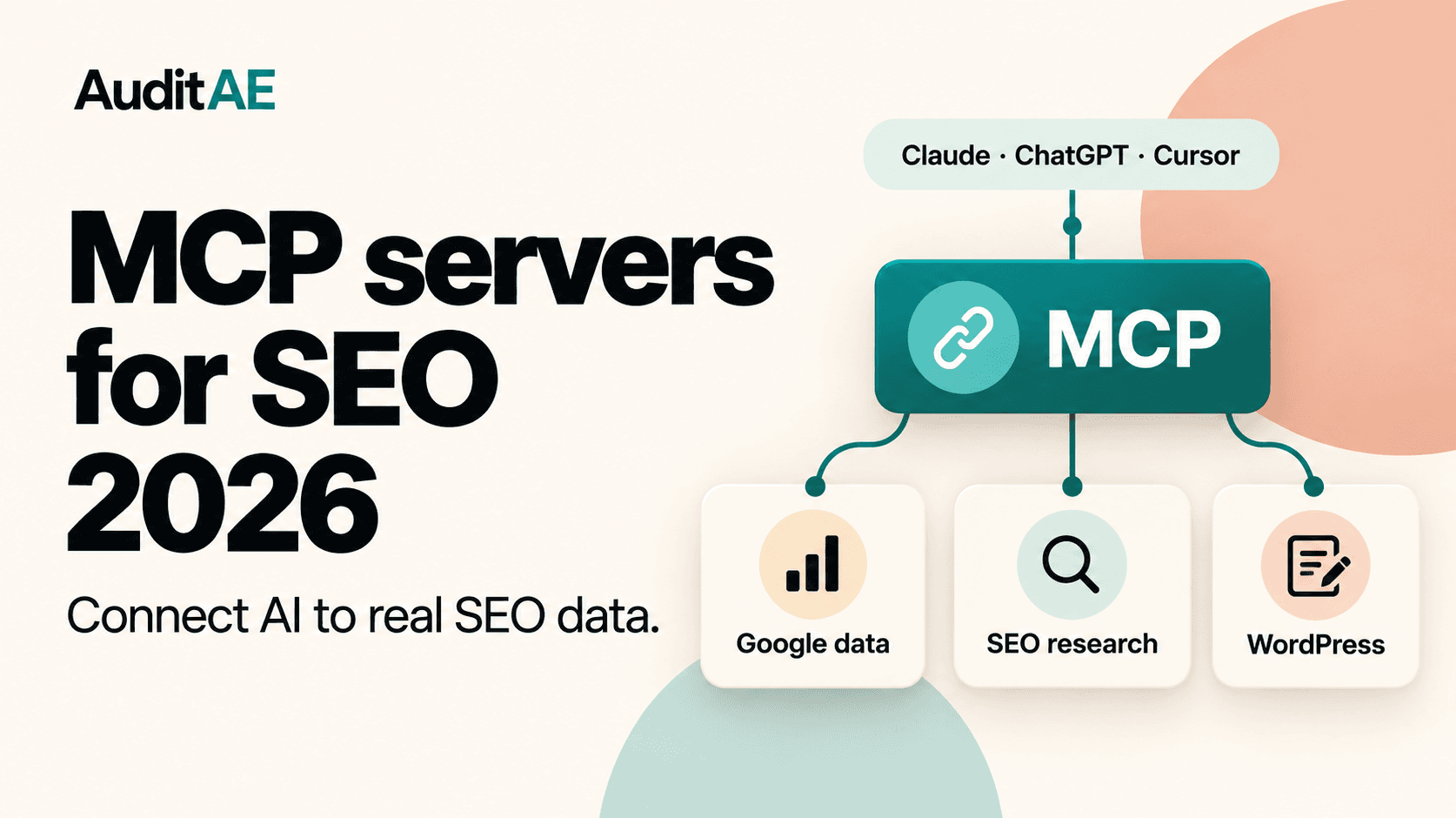
MCP (Model Context Protocol) is how Claude reaches outside systems. A server describes tools such as "run a Search Console report", and Claude calls them when a question needs data. You see each call and approve it. This is what turns "which pages lost clicks?" into a real answer.
Claude Code runs in a terminal inside a project. On a site built from code it can read the templates, find every page missing a canonical tag and fix them in one change you review. It can use MCP servers too, so the measuring and the editing happen in one place.
Connecting Claude to Search Console and the rest
AuditAE runs a hosted MCP server for SEO at https://auditae.app/api/mcp. You sign in with Google once in the dashboard, with read-only permissions and no Google Cloud project, and the same connection covers Search Console, Google Analytics, site crawls, live Google results, keyword data and AI citation checks.
In Claude.ai or the desktop app, add it under Customize → Connectors → Add custom connector. In Claude Code:
claude mcp add --transport http --scope user auditae "https://auditae.app/api/mcp"
The full walkthrough, with screenshots and the fixes for common errors, is in connecting Claude or ChatGPT to Google Analytics; the Search Console steps are the same sign-in. Other servers exist, including Google's own for Analytics and several community ones for Search Console, and the best MCP servers for SEO compares them.
Five jobs worth handing over
Each of these names the tool Claude calls, so you can check that it did.
1. Decide what to work on
What should I work on first for yoursite.com?
Claude calls find_search_opportunities (15¢), which reads Search Console once and returns a ranked list: pages losing clicks, queries sitting just off page one, pages that rank with few clicks, and queries split across two of your pages. Each row has an estimate of the clicks at stake, which keeps the list from being a pile of equal-looking tasks.
2. Explain a drop
Which pages lost the most clicks in the last 28 days against the 28 before, and which queries did each one lose?
This is query_search_console with a comparison period (1¢ per 100 rows (1¢ minimum per call)). Ask the follow-up a person would: was it position, or the same position with a lower click rate? The second usually means the results page changed, often an AI Overview appearing above you.
3. Check a page or the whole site
Run a technical audit on yoursite.com/pricing.
run_technical_audit checks one page: Core Web Vitals, structured data, llms.txt, whether robots.txt blocks AI crawlers, and the on-page basics. It is free for 3 pages a day, then 2¢ a page. For the whole site, crawl_site (1¢ per 10 pages) returns every failing check with the pages behind it.
4. Look at the results page before rewriting
Who ranks for "your target query" in the US, and does the AI Overview cite anyone?
get_serp (5¢) returns today's organic results, the AI Overview's cited domains and where your site sits. Ten minutes rewriting a title is wasted if the query's first page is all videos and forum threads. For demand, get_keyword_metrics returns volume and difficulty for up to 60 keywords at 10¢ a call.
5. Make the edit
On a WordPress site paired with the free AuditAE plugin, Claude can apply the change: a new title and description, a rewritten paragraph, an internal link, FAQ schema. Edits cost 5¢ each, you choose in the plugin whether it may draft, publish or change SEO settings, and every change is logged with the previous version. Connecting Claude to WordPress has the setup. On other platforms, Claude gives you the exact text and where it goes.
Habits that keep the work honest
- Ask for the numbers behind a claim. "Show me the rows" turns a summary back into something you can check.
- Change one thing per page and write down the date. Search results move on their own. Without a date and a single change, you can't tell your edit from the noise. AuditAE keeps a record of each change and reads that page's Search Console numbers again in the following weeks.
- Review before anything is published. Claude writes fluent copy that can still be wrong about your product, your prices or your policy.
- Don't use it to mass-produce pages. Hundreds of generated articles with nothing new in them are the content Google's spam policies are aimed at. Use it to make the pages you already have answer the question better.
The other "Claude SEO": getting cited by Claude
When Claude answers a question with web search, it reads pages and cites them. Whether yours can be one of them starts with access. Anthropic runs three crawlers: ClaudeBot gathers pages that may be used for training, Claude-SearchBot builds the search index, and Claude-User fetches a page when a person's question calls for it. Blocking the last two in robots.txt or at a firewall keeps you out of Claude's answers; blocking ClaudeBot is a separate policy choice. AI crawlers explained covers each one, and the free AI crawler checker shows which of them your site blocks.
After access, the work is the same as for any answer engine: pages that state the answer early, name the entities involved and are specific enough to quote. How to rank on ChatGPT walks through it. AuditAE's citation checks cover ChatGPT, Perplexity, Gemini and Google's AI Overviews; it does not check Claude's answers.
Where to go next
The SEO MCP page lists every tool on the server with its price. The Search Console MCP page has more prompts for the reports above. A new AuditAE account needs no card, and the first audit is free.
FAQ
Part of it. Claude writes and edits well, so briefs, title tags, meta descriptions, schema markup and page reviews are safe to hand over. It can't measure anything on its own: it has no access to your rankings, clicks or crawl data unless you upload them or connect a tool that fetches them.
Only through a connection. Claude has no built-in access to Search Console. An MCP server gives it a tool that runs Search Console reports on your behalf; with AuditAE you sign in with Google once, pick the Search Console site, and add https://auditae.app/api/mcp to Claude as a custom connector.
No. Claude has no keyword database, so a volume it states from memory is an estimate with nothing behind it. Ask it to fetch volumes with a keyword tool, or paste them in from one, and have it show the source for each number.
The data matters more than the model. Both write competent briefs and both guess when asked for numbers they can't see. Both can connect to the same MCP servers, so the practical difference is which one you already use and which clients your plan lets you connect.
Your Claude plan is separate. On AuditAE, Search Console and Analytics reads cost 1¢ per 100 rows (1¢ minimum per call), a ranked list of search opportunities is 15¢, a live Google results page is 5¢, and a one-page technical audit is free for 3 pages a day, then 2¢ a page. There is no subscription, and a new account needs no card.
Two different things. Most people mean using Claude as an assistant for SEO work. Some mean getting a brand cited when Claude answers a question with web search, which depends on Anthropic's crawlers being able to read your pages and on your content answering the question directly.
Run the citation report on your own brand.
See which prompts cite you on ChatGPT, Perplexity, Gemini and Google AI Overviews. The first audit is free, no card.
Aaron is the founder of AuditAE. He has run AI-visibility audits for SEO agencies and in-house brand teams, and writes about how generative answer engines are reshaping the practice of search marketing.
Related reading
- 9 min readHow to Connect Claude or ChatGPT to Google Analytics (GA4): A Step-by-Step WalkthroughAsk Claude or ChatGPT about your GA4 traffic and Search Console queries in plain English. This walkthrough connects Google once in AuditAE, adds one URL to Claude.ai, ChatGPT or Claude Code, and shows the first questions to ask, what it costs (the Google tools charge 1¢ per 100 rows) and how to fix the common errors.
- 9 min readHow to Connect Claude to WordPress: Claude.ai, Claude Desktop and Claude CodeA step-by-step guide to connecting Claude to a self-hosted WordPress site over MCP: install a free plugin, pair the site, pick what Claude may change, then connect Claude.ai, Claude Desktop, Claude Code or Cursor. Includes first prompts to try, what it costs and how to fix the common errors.
- 10 min readThe Best SEO MCP Servers in 2026, by Job and by Cost to StartThe best SEO MCP server depends on the job. Here are the nine worth connecting to Claude, ChatGPT or Cursor in 2026, with what each does, how it's hosted and the cheapest way to start.