WordPress Redirect Plugin Guide 2026: Best Free Options, 301s Done Right, and the 404s AI Bots See
Every WordPress site accumulates broken URLs, and a redirect plugin is how you keep the link credit when they move. Here's an honest 2026 comparison of Redirection, Rank Math, Yoast Premium and the rest, how to set up a 301 with or without a plugin, and the blind spot they all share: none of them picks out the 404s AI crawlers are hitting.
On this page· 8 sections
Every WordPress site that survives more than a year accumulates dead URLs. You rename a slug, delete a product, merge two posts, migrate to HTTPS, restructure categories. Every old URL keeps receiving visits: from browsers with stale bookmarks, from backlinks you earned years ago, from Google's index, and (new in the last two years) from AI crawlers like GPTBot and PerplexityBot re-visiting URLs they learned before the move.
A redirect plugin is how WordPress answers those visits with "it moved, here's where" instead of a 404. This guide covers which plugin to use in 2026, how to set up 301s correctly (with or without a plugin), the mistakes that quietly waste your link equity, and the one job no general-purpose redirect plugin can do: telling you which of your 404s AI engines are actually hitting.
What a redirect plugin actually does
WordPress core has almost no redirect management. It auto-redirects some changed post slugs (via the wp_old_slug_redirect mechanism) and canonicalizes a few URL variants, but the moment you delete a page, restructure permalinks, or migrate a domain, you're on your own. A redirect plugin gives you three things core doesn't:
- A rule table: old path → new URL, with an HTTP status code per rule.
- Discovery: a log of the 404s real visitors and bots are hitting, so you know which redirects are worth creating.
- Safety rails: loop detection, import/export, and a UI that doesn't involve editing .htaccess at 11pm.
The status codes that matter
- 301 (moved permanently): the workhorse. Browsers cache it, search engines transfer the old URL's signals to the new one. Google's redirect documentation treats a 301 as a signal that the target should be canonical, and Google staff have said for years that 301s no longer "leak" PageRank the way old SEO lore claimed.
- 302 / 307 (temporary): the content is coming back; keep the old URL indexed. Use sparingly and deliberately.
- 410 (gone): the honest "this is deleted, stop asking." Faster de-indexing than a 404 and kinder to crawl budget than redirecting junk URLs somewhere irrelevant.
The best WordPress redirect plugins in 2026
The honest list is short, and the right answer depends on what you already run.
Redirection (John Godley): free, 2M+ active installs, and still the default recommendation for general-purpose redirect management. Rules with 301/302/307, regex matching, conditional redirects, a 404 log, groups, and import/export (including from .htaccess). It's been maintained for over a decade. If you need one plugin that does all of redirects, this is it.
Rank Math's redirections module: if you already run Rank Math, you have a redirect manager installed; it just may be switched off. Exact, contains, starts-with, and regex matching plus a 404 monitor. Turning on the module you already have beats installing a second plugin, the same logic as its llms.txt module.
Yoast SEO Premium's redirect manager: the paid pitch is automation: change a slug or trash a published page and Yoast creates (or offers to create) the redirect at that moment, which is exactly when people forget. It also supports 410s. Whether that's worth Premium depends on how often your team renames things. It's an insurance policy against human forgetfulness, not a better rule engine.
Safe Redirect Manager (10up) and 301 Redirects – Redirect Manager (WebFactory): lighter free options. Safe Redirect Manager in particular is the agency choice for client sites: a deliberately small feature set that's hard to misuse, with redirects stored as a custom post type so they survive theme and plugin churn.
The free AuditAE plugin: deliberately not a general-purpose redirect manager, and it won't fight whichever one you run. Its redirects tab does one specific job the others structurally can't: it logs hits from about 30 AI crawlers, surfaces the 404s those bots are hitting (with hit counts and which bots), and turns each into a one-click 301. Its rules fire only after WordPress has already decided the request is a 404, so it can never hijack a live page or override a redirect Redirection or Rank Math has already sent, and it rejects rules that would loop.
How to set up a 301 redirect (plugin method)
The mechanics are the same in every manager:
- Find what's actually 404ing before writing rules. Every redirect you create is a row evaluated forever; redirect what gets traffic, not every URL that ever existed. Your plugin's 404 log, Search Console's "Not found" report, and your AI crawler log are the three discovery sources, and they will not show you the same list.
- Add the rule: source path (
/old-page/), target URL, type 301. Match the trailing-slash convention of your site, and redirect to the final destination, not to another redirect. - Test it logged out. Fetch the old URL in an incognito window; the address bar should change once. Then check the status code itself with an HTTP checker or
curl -I: you want exactly one301hop, not a 302 you didn't choose or a 301→301→200 chain. - Leave the rule in place for at least a year. Browsers, search indexes, and AI training snapshots all update on their own schedules. Redirects are infrastructure, not cleanup tasks.
301 redirects without a plugin
Server-level redirects are faster than anything PHP can do, because they answer before WordPress even loads.
Apache (.htaccess), above the # BEGIN WordPress block:
Redirect 301 /old-page/ https://example.com/new-page/
RedirectMatch 301 ^/blog/([0-9]{4})/(.*)$ https://example.com/blog/$2
Nginx, in the server block:
location = /old-page/ { return 301 https://example.com/new-page/; }
The trade-offs: no UI, no 404 log, no loop detection, and .htaccess syntax errors take down the entire site until fixed over SFTP. Server rules are the right tool for a small set of stable, high-traffic redirects (domain migrations, HTTPS forcing, a legacy URL structure), and the wrong tool for the long tail of editorial URL changes, which is precisely what a plugin's discovery log exists for. Skip functions.php wp_redirect() hacks entirely: they run on every request, they're invisible to whoever maintains the site next, and one typo redirects your whole site to a single page.
The mistakes that waste your redirects
- Chains. A→B this year, B→C next year. Each hop adds latency and dilutes the signal; crawlers follow a limited number of hops before giving up. Point A directly at C and flatten the chain.
- Loops. A→B→A takes the URL fully offline with a browser error. Good plugins reject these at save time, which is a reason to use one.
- Everything → homepage. Google treats bulk 404-to-homepage redirects as soft 404s, and an AI bot that asked for
/pricing-2023/and got your homepage learned nothing it can cite. Closest relevant page, or honest 404/410. - Losing the query string. If the old URL carried
?utm_source=or pagination parameters, make sure your rule preserves them (AuditAE's manager forwards the original query string onto the destination automatically unless the rule specifies its own). - Wildcards written in optimism. A regex that matches more than you meant is the redirect version of a stale robots.txt rule: the same silent failure mode, discovered months later.
The 2026 blind spot: your 404 log has a second audience
Here's what changed. Your 404 traffic used to be humans with old bookmarks plus Googlebot re-checking its index. Now some of it is AI crawlers: GPTBot and ClaudeBot re-visiting URLs from training snapshots, search indexers like OAI-SearchBot and PerplexityBot, and user-triggered fetchers like ChatGPT-User and Perplexity-User requesting a specific URL right now because an answer engine wants to ground a response in it.
That second category is the one that should change your redirect priorities. A retrieval bot hitting a 404 is not an abstract crawl error. It's an answer engine that was prepared to read (and possibly cite) a page of yours at the moment of a user's question, and got nothing. The citation goes to whoever's page did resolve.
General-purpose redirect plugins don't surface this, because none of them classify AI user agents. Their 404 logs show a raw user-agent string at best and lump GPTBot in with everything else, so the URL that eleven AI bots hit this month sorts identically to the URL one lost human hit once.
This is the gap the free AuditAE plugin fills. It logs about 30 AI crawlers by name, and its Redirects tab reads that log backwards: here are the 404s AI bots are hitting, ranked by hits, with the bot names attached. Each one is a single click from becoming a 301. The suggestions come from real bot traffic, not from guesswork about which old URLs might matter. It runs happily alongside Redirection, Rank Math, or Yoast, because its rules only ever fire on requests that are already 404s. And it feeds your AI Readiness Score, where unresolved AI-bot 404s cost points until they're fixed.
Choosing in one paragraph
Run Rank Math? Turn on its redirections module. Otherwise install Redirection for general management; it's free and it's earned its 2M installs. Add Yoast Premium's manager only if slug-change automation is worth the subscription to your team. Do server-level rules for the two or three permanent, high-traffic migrations. And whichever of those you pick, add the free AuditAE plugin for the one list none of them can show you: the 404s that AI engines are hitting right now.
FAQ
For general redirect management, Redirection by John Godley is the long-standing default: free, 2M+ active installs, 301/302/307 support, regex rules, a 404 log, and import/export. If you already run Rank Math, enable its built-in redirections module before installing anything new. Yoast SEO Premium's redirect manager is worth it mainly for its automation: it creates redirects when you change a slug or delete a page. And if your concern is specifically the 404s that AI crawlers hit, the free AuditAE plugin proposes 301s directly from an AI-bot crawl log, which none of the general-purpose managers keep.
With a redirect plugin: add a rule mapping the old path (/old-page/) to the new URL, choose 301 as the type, and save. Then fetch the old URL in an incognito window and confirm the address bar changes. Without a plugin: add a Redirect 301 line to .htaccess on Apache, or a return 301 block in your Nginx config. For anything you care about, use a server-side 301 rather than a meta-refresh or JavaScript redirect: Google follows JavaScript redirects only if rendering succeeds, and some AI bots don't execute JavaScript at all.
301 means moved permanently: browsers cache it aggressively and search engines transfer the old URL's ranking signals to the new one. 302 means moved temporarily: engines keep the old URL indexed and expect the content back. Use 301 for renamed slugs, deleted pages with a replacement, and domain or HTTPS migrations. Use 302 only when the move genuinely reverses soon, such as an A/B test or a seasonal page. The classic mistake is shipping a 302 for a permanent move because it was the plugin's default, then wondering why the old URL still ranks.
Marginally, and less than the alternative costs. A redirect plugin adds a lookup on requests it needs to evaluate. Well-built ones keep rules in a dedicated table or check only after WordPress has already decided the request is a 404, which is effectively free on every normal page view. A server-level rule in .htaccess or Nginx is faster still, but the difference is microseconds. The performance problem worth worrying about is redirect chains (A→B→C), where every hop adds a full round trip for users and crawlers.
Yes. On Apache, add Redirect 301 /old-path/ https://example.com/new-path/ to .htaccess above the WordPress rewrite block. On Nginx, add a location or rewrite rule to the server config. Server-level redirects are the fastest option and the right call for a handful of stable, high-traffic rules, but they have no UI, no logging, no 404 discovery, and a typo in .htaccess can take the whole site down. Most sites are better served managing redirects where they can see them.
No. Google's John Mueller has said more than once that blanket 404-to-homepage redirects are treated as soft 404s: the destination doesn't match what the URL promised, so the redirect passes little value and Google mostly treats the old URLs as 404s anyway. The same logic now applies to AI retrieval bots fetching a specific URL to ground an answer: homepage content doesn't answer the question the old URL did. Redirect each dead URL to its closest living equivalent, and let genuinely obsolete pages return an honest 404 or 410.
Run the citation report on your own brand.
See which prompts cite you on ChatGPT, Perplexity, Gemini, and Google AI Overviews — the first one’s free, no card.
Aaron is the founder of AuditAE. He has run AI-visibility audits for SEO agencies and in-house brand teams, and writes about how generative answer engines are reshaping the practice of search marketing.
Related reading
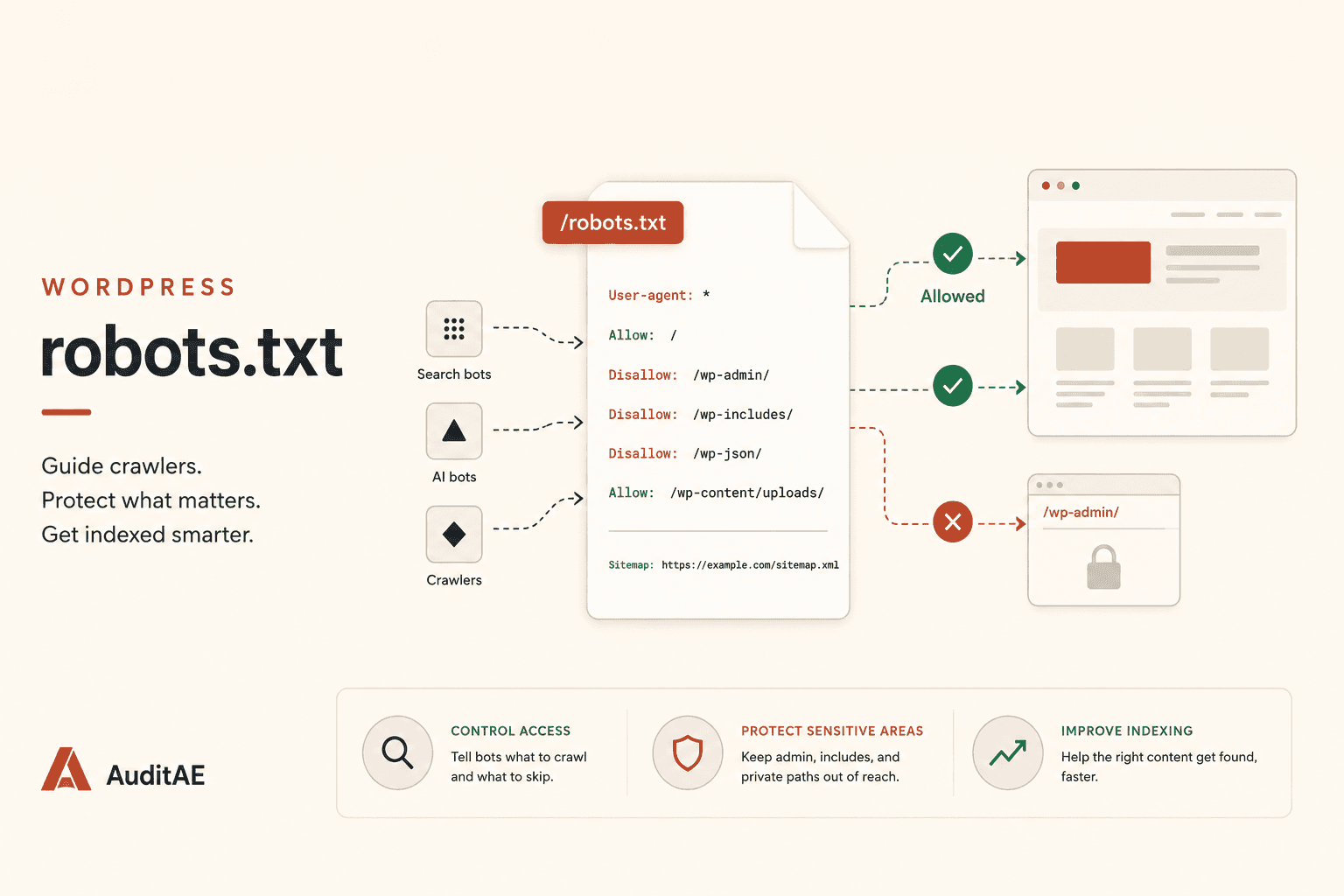
- 13 min readWordPress robots.txt: The Complete 2026 Guide (Find It, Edit It, and Stop Blocking AI Search)WordPress generates a robots.txt you've probably never edited, and in 2026 one stale rule in it can make you invisible to ChatGPT, Perplexity, and Gemini. Here's where the file lives, how to edit it safely, what a good one looks like, and how to audit it against every AI crawler for free.
- 9 min readHow to Track AI Bots (GPTBot, ClaudeBot, PerplexityBot) on Your WordPress Site and Boost Your SEOGPTBot, ClaudeBot, and PerplexityBot are crawling WordPress sites every day, and Google Search Console can't see any of it. Here's how to log every AI crawler hit, read the data, and use it to ship pages AI engines actually cite.

- 10 min readHow to Improve Brand Visibility in AI Search Engines: 8 Fixes You Can Ship This MonthAI engines already have an opinion about your brand. Here is how to check what it is, and the eight fixes, in order, that change it, with the WordPress path where there is one.