

Yoast vs Rank Math for AI Search in 2026: Both Ship llms.txt, Neither Logs AI Crawlers
Both of the big WordPress SEO plugins now generate llms.txt for free, and neither can tell you whether a single AI crawler has read the file or crawled the page. Here's the honest feature split, where Rank Math is ahead, and the measuring gap both leave open.
On this page· 8 sections
Both of the big WordPress SEO plugins now ship llms.txt. Both do it for free. And neither one can tell you whether a single AI crawler has read the file or crawled the page.
That gap is the whole story of WordPress AEO in 2026.
What actually changed
In late 2024, llms.txt was a proposal on a spec site that most WordPress users had never heard of. Now it's a checkbox in the two plugins that run a combined 14 million sites.
Yoast made it free for everyone in June 2025: no upgrade, no add-on. It's available across Yoast SEO, SEO Premium, WooCommerce SEO, SEO AI+, and the Shopify app. You get an automatic mode that picks your key content for you, a manual mode if you want to choose yourself, and a preview before it goes live.
Rank Math shipped an LLMS.txt module that's also free, and slightly more configurable out of the gate: you pick which post types and taxonomies get included, and you can inject custom text.
That's genuinely good news. Two years of arguing about whether AEO is real ended with the incumbents quietly agreeing that it is. (Whether the file itself moves the needle is a separate question with a more complicated answer.)
But it also means llms.txt is no longer a differentiator. When 14 million sites can turn on the same feature with one click, having the file stops being an advantage and starts being table stakes. What you do after that is where the difference lives.
What Yoast actually gives you
Yoast SEO has 10+ million active installs. Here's the honest split between what helps AI search and what's just AI-flavored copywriting:
Helps AI search:
- llms.txt: free, auto or manual, previewable. Site overview, key content locations, plain-text markdown versions of important pages.
- Abilities for AI assistants: since September 2026, free Yoast SEO lets an MCP client read a post's SEO fields and fix its canonical, robots flags and schema type.
- Schema output: Yoast has emitted a connected
@graphfor years. This is the single most underrated AEO feature in WordPress, and it predates the AEO conversation by a long way.
Doesn't help AI search (but is marketed as AI):
- Yoast AI Generate: five SEO titles and meta descriptions on demand. Premium.
- Yoast AI Optimize: adjusts keyphrase placement and density. Premium.
- Yoast AI Summarize: quick content summaries for briefs or social. Premium.
None of the Premium AI tools change how an answer engine perceives your site. They save you typing. That's a real benefit, but it's a writing tool, not a visibility tool, and the pricing page doesn't draw that line for you.
I ran a live audit on Yoast's own AI visibility earlier this year: Yoast was named in 19 of 20 engine responses but URL-cited in only 9. Being the biggest name in WordPress SEO does not automatically buy you the link credit. Worth sitting with, if you're relying on brand strength.
What Rank Math actually gives you
Rank Math has 4+ million active installs, and it's the more aggressive of the two on machine-readable output.
Helps AI search:
- LLMS.txt module: free, configurable by post type and taxonomy, supports custom text blocks.
- Speakable schema: Rank Math PRO only, and designed so voice assistants and AI tools know which passages to read aloud. Yoast has no setting for it.
- Schema Builder: per-post structured data in the editor, with more types exposed to non-developers than Yoast's UI offers.
- MCP tools: Rank Math now lets an AI assistant connect directly to your site to audit and fix SEO issues. Whatever you think of the security surface, it's a real step toward AI tools working on your site directly, and Yoast now offers the same kind of access.
Doesn't help AI search:
- Content AI: 40+ AI writing tools, keyword research, bulk meta generation, image alt text. Requires a connected Rank Math account and a subscription. Again: a writing tool.
- RankBot: in-dashboard SEO help chat.
Side by side
| Yoast SEO | Rank Math | |
|---|---|---|
| Active installs | 10M+ | 4M+ |
| llms.txt | Free, auto + manual modes | Free, configurable by post type/taxonomy |
| Speakable schema | No | PRO |
Connected @graph schema | Yes | Yes |
| MCP / AI assistant access | Yes (since Sept 2026) | Yes |
| AI writing tools | Premium | Subscription (Content AI) |
| AI crawler log | No | No |
| robots.txt AI-bot audit | No | No |
| Citation checking | Paid add-on (AI Brand Insights) | Paid add-on (AI Visibility) |
The bottom three rows are the interesting ones.
The gap neither one fills
Every feature above is an emitting feature. You produce a file, a schema block, a meta tag, and you push it out into the world.
None of them are measuring features. Specifically, the free versions of both plugins can't answer:
1. Did an AI crawler actually visit?
GPTBot, OAI-SearchBot, ChatGPT-User, ClaudeBot, Claude-User, PerplexityBot, Perplexity-User, Bytespider, CCBot: about 30 bots matter now, and they want different things from your site. Google Search Console won't show you any of them. Your SEO plugin doesn't log them. So the most basic question in AEO (is anyone reading this?) has no answer in your WordPress admin.
2. Are you blocking them by accident?
This one is easy to miss. A robots.txt line copied off a forum in 2023, a security plugin's default rule, a host-level block: any of these can disallow GPTBot while your llms.txt sits there beautifully formatted and completely unread. I've written up the full WordPress robots.txt situation separately, because it's the single highest-leverage thing to check and almost nobody checks it.
3. Did you get cited?
Emitting signals is an input. Citations are the output. The gap between them is where the actual work is, and neither free plugin measures it, because measuring it means querying ChatGPT, Perplexity, Gemini, and Google AI Overviews for real, with your prompts, and diffing the answers over time. Both vendors now sell that as a paid extra: Yoast AI Brand Insights (part of Yoast SEO AI+) and Rank Math AI Visibility (part of a Rank Math AI subscription, covering ChatGPT, Gemini and other AI platforms).
What to do this week
In rough order of leverage:
- Audit your robots.txt for AI bot blocks. Free, takes five minutes, and it's the only item on this list that can be silently costing you everything.
- Turn on llms.txt in whichever plugin you already run. Yoast: Settings → Site features. Rank Math: the LLMS.txt module. Then actually visit
yoursite.com/llms.txtand read it. The auto-generated version is often a poor description of what your site is for. The free llms.txt validator checks it line by line against the llmstxt.org format and tests its links. (If you want to hand-tune it, here's what a good WordPress llms.txt looks like.) - Check that your schema resolves. Organization → Article → author, connected by
@id. Both plugins do this; verify it survived your theme. - Start logging AI crawler hits. You need a baseline before you can claim any change worked.
- Then, and only then, measure citations. Pick 5–10 prompts your buyers actually type. Run them across the engines. Track it monthly.
Steps 1, 3, and 4 are what our free WordPress plugin does: an AI crawler log across about 30 bots, a robots.txt audit that flags any blocked AI bot, llms.txt generation, a free FAQ schema editor in the post editor, and an AI Readiness Score that rolls it into one 0–100 number with a letter grade. It also ships an orphaned-content report with internal-linking suggestions and one-click insertion for free (Yoast puts both in Premium). No account required, and it deliberately defers to Yoast's and Rank Math's schema rather than duplicating it, so you can run it alongside whichever one you already have.
On step 3, one thing worth checking that almost nobody does: confirm your schema is actually on the page, not merely enabled in a plugin. Yoast emits no Organization node until you fill in the organization name (it's blank by default), and Rank Math describes the site as a Person, not an Organization, until you change it (it only defaults to Organization when WooCommerce or Easy Digital Downloads is active). Fetch your own homepage and search the source for "@type":"Organization". Plenty of sites running a fully installed SEO plugin don't have one.
Step 5 is what AuditAE itself does: a real (prompt × engine) grid across ChatGPT, Perplexity, Gemini, and AI Overviews, priced per check (5–12¢) instead of per month.
So which plugin should you pick?
If you're already on one, stay on it. Neither has an AEO advantage big enough to justify a migration, and migrating SEO plugins is a genuinely risky afternoon.
If you're choosing fresh in 2026: Rank Math is slightly ahead on AI search specifically: Speakable schema (PRO) and a more configurable llms.txt are two things Yoast doesn't have. Yoast caught up on MCP access in September 2026. Yoast is ahead on stability, documentation, and the sheer number of people who can help you when something breaks.
But that choice matters less than the thing both plugins leave undone. You can pick either one, configure it perfectly, and still have no idea whether a single answer engine has ever read your site. The plugin decision is a rounding error next to that.
Need a file, or want to check the one you have? The free llms.txt generator and validator drafts an llms.txt from your sitemap using your own page titles and descriptions, or checks your live file line by line against the llmstxt.org format. No login.
FAQ
Yes. Yoast ships llms.txt across Yoast SEO, SEO Premium, WooCommerce SEO, SEO AI+, and the Shopify app with no upgrade required, offering an automatic mode, a manual mode, and a preview. Rank Math's LLMS.txt module is also free and slightly more configurable: you choose which post types and taxonomies are included and can inject custom text. Neither locks the feature behind a paid tier.
Rank Math is slightly ahead on AI search specifically: Speakable schema (in Rank Math PRO) and a more configurable llms.txt module are two things Yoast doesn't have. Both now offer MCP access; Yoast added it in September 2026. Yoast is ahead on stability, documentation, and the size of the community that can help when something breaks. Neither gap is big enough to justify migrating if you're already set up on one.
Not directly. Yoast AI Generate, Yoast AI Optimize, Yoast AI Summarize, and Rank Math Content AI are writing tools: they draft titles, meta descriptions, summaries, and alt text. They save you typing, which is a real benefit, but they don't change how an answer engine perceives your site or whether it cites you. The features that do affect AI search are the machine-readable ones: llms.txt, connected @graph schema, and Speakable markup.
No. Neither plugin logs AI crawler hits, and Google Search Console doesn't show them either, so the most basic AEO question, "is anyone reading this?", has no answer in a stock WordPress admin. You need server-log analysis or a plugin that records AI user agents specifically, like the free AuditAE plugin's crawler log across about 30 bots.
Almost certainly not. Migrating SEO plugins is a genuinely risky afternoon (redirects, schema, and meta settings all have to survive), and neither plugin's AEO advantage is worth that risk. The higher-leverage move is to keep whichever plugin you have, turn on its llms.txt, and add the measuring layer neither free plugin provides: an AI crawler log, a robots.txt audit for AI bots, and real citation checking.
Yes, if it's built to coexist. The conflict risk comes from two plugins emitting the same things: titles, canonicals, sitemaps, duplicate schema. The AuditAE plugin deliberately avoids all of those and defers to Yoast's or Rank Math's schema rather than duplicating the graph, so it adds crawler logging, robots.txt auditing, llms.txt, and a free orphaned-content report with internal-link suggestions without tripping the "second SEO plugin detected" warnings.
Run the citation report on your own brand.
See which prompts cite you on ChatGPT, Perplexity, Gemini, and Google AI Overviews — the first one’s free, no card.
Aaron is the founder of AuditAE. He has run AI-visibility audits for SEO agencies and in-house brand teams, and writes about how generative answer engines are reshaping the practice of search marketing.
Related reading
- 11 min readHow to Add an llms.txt File to WordPress: A Step-by-Step GuideAdding an llms.txt file to WordPress takes about two minutes. Here's the easy way with the free AuditAE plugin, the manual method, and how to confirm AI bots are actually reading it.
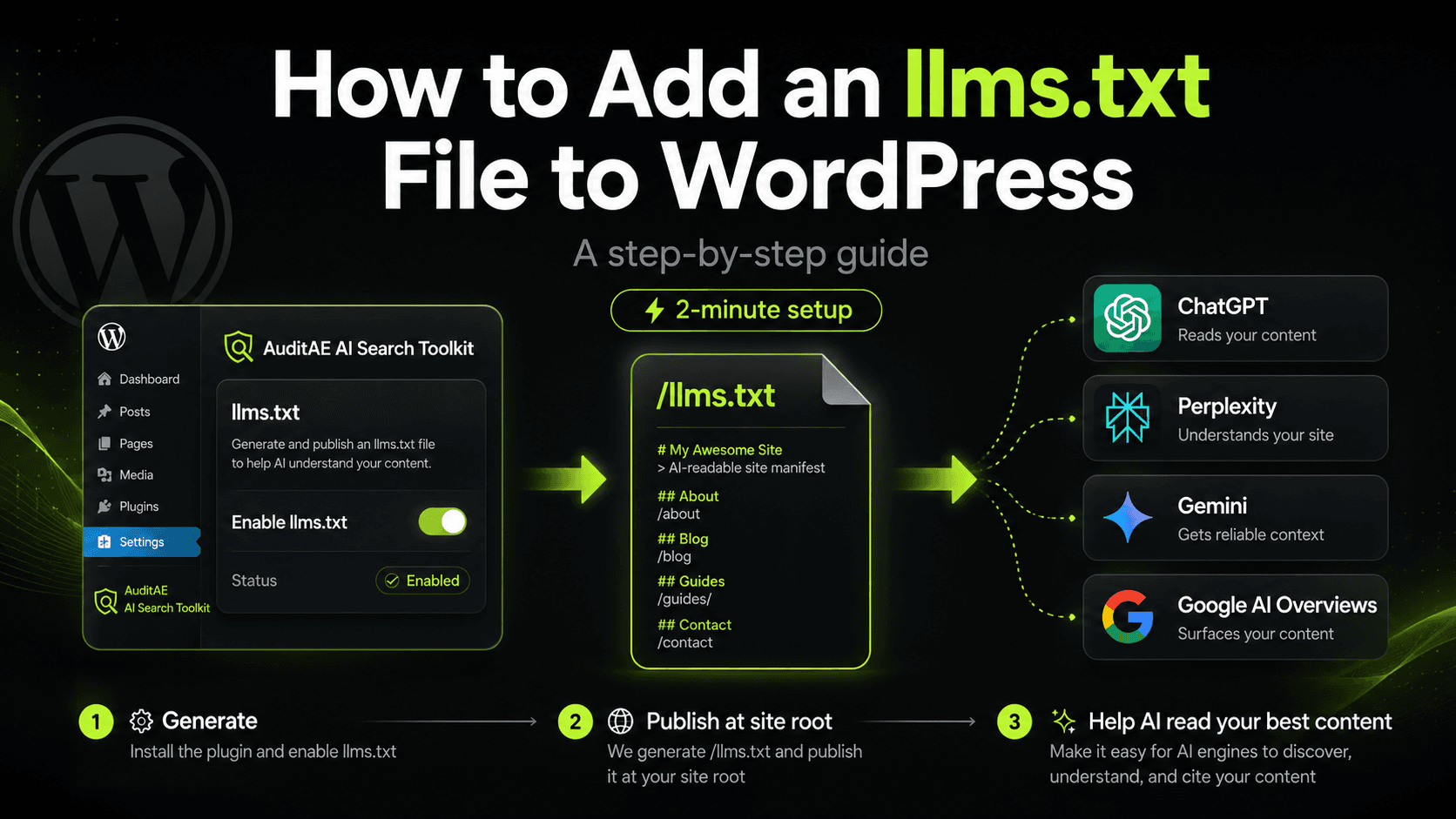
- 8 min readWordPress SEO Audit: How to Run One in 2026 (and Actually Fix What's Broken)Most WordPress SEO audits end as 47-page PDFs nobody acts on. Here's a 30-minute audit that surfaces fixes you can ship the same day.
- 8 min readI audited Yoast's AI visibility from a chat window. Here's what I found.A live AuditAE run on Yoast across five prompts and four AI engines. Yoast was named in 19 of 20 answers but URL-cited in only 9. On 'best wordpress seo plugin', AIOSEO won the link credit on 3 of 4 engines.